Your playlists, beautifully played.
Pris IPTV turns your own Xtream Codes or M3U playlist into a fast, good-looking TV experience: live TV with a guide, movies and series with posters, and it remembers where you stopped.
Everything you want from your TV. Nothing you don't.
Built for the remote, from the first screen to the last episode.
Live TV and guide
Channels in folders, a full programme guide, and quick zapping with the channel buttons.
Movies and series
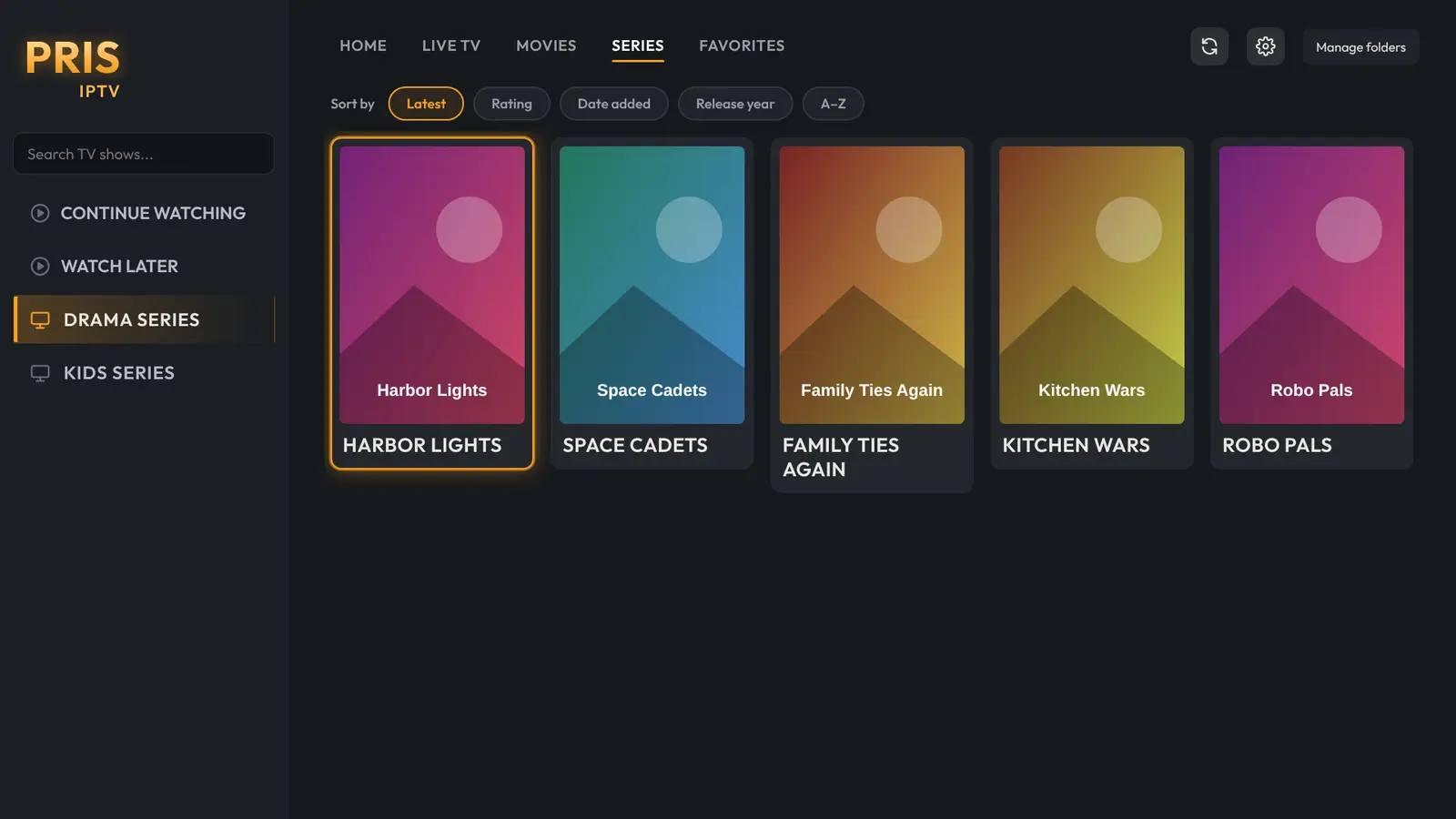
Big posters, ratings and descriptions, with seasons and episodes neatly laid out.
Continue watching
Pick up exactly where you stopped, and the next episode is ready when one ends.
Search everything
One search across channels, movies and series, as you type.
Subtitles, found for you
Subtitles in your languages, looked up automatically when a film starts.
Favourites
Keep the channels and films you love one press away.
Parental PIN
Keep folders and search behind a PIN, so only the right people can browse.
Several playlists
Add more than one profile and switch between them in seconds.
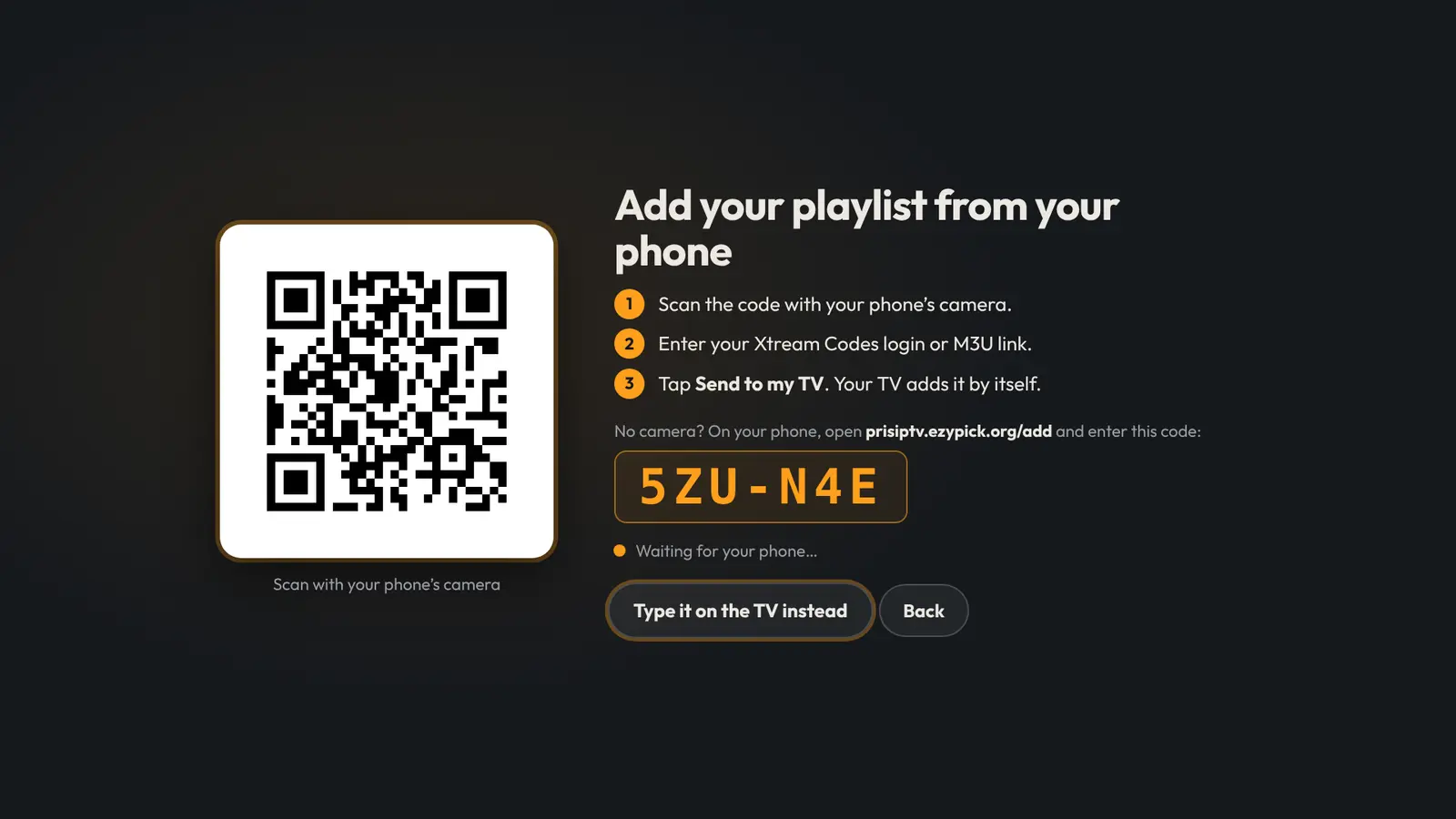
Type on your phone, not with the remote
Scan the code on your TV, enter your Xtream Codes login or M3U link on your phone, and tap Send to my TV. Your TV adds it by itself.
- No fiddly on-screen keyboard
- Your details go straight to your TV and are not kept on our server
- Prefer the remote? You can still type it on the TV
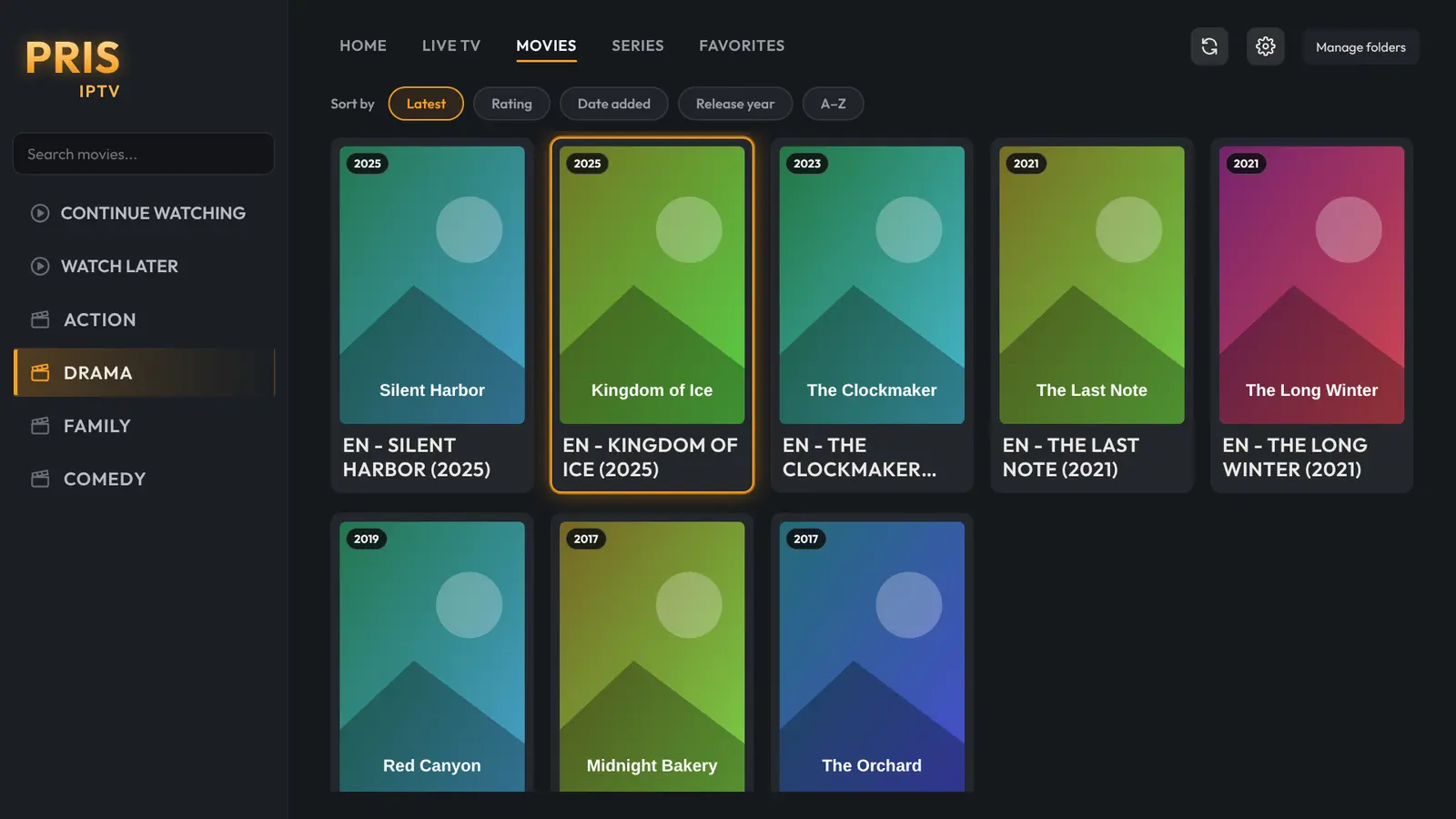
A cinema-style home for everything you watch
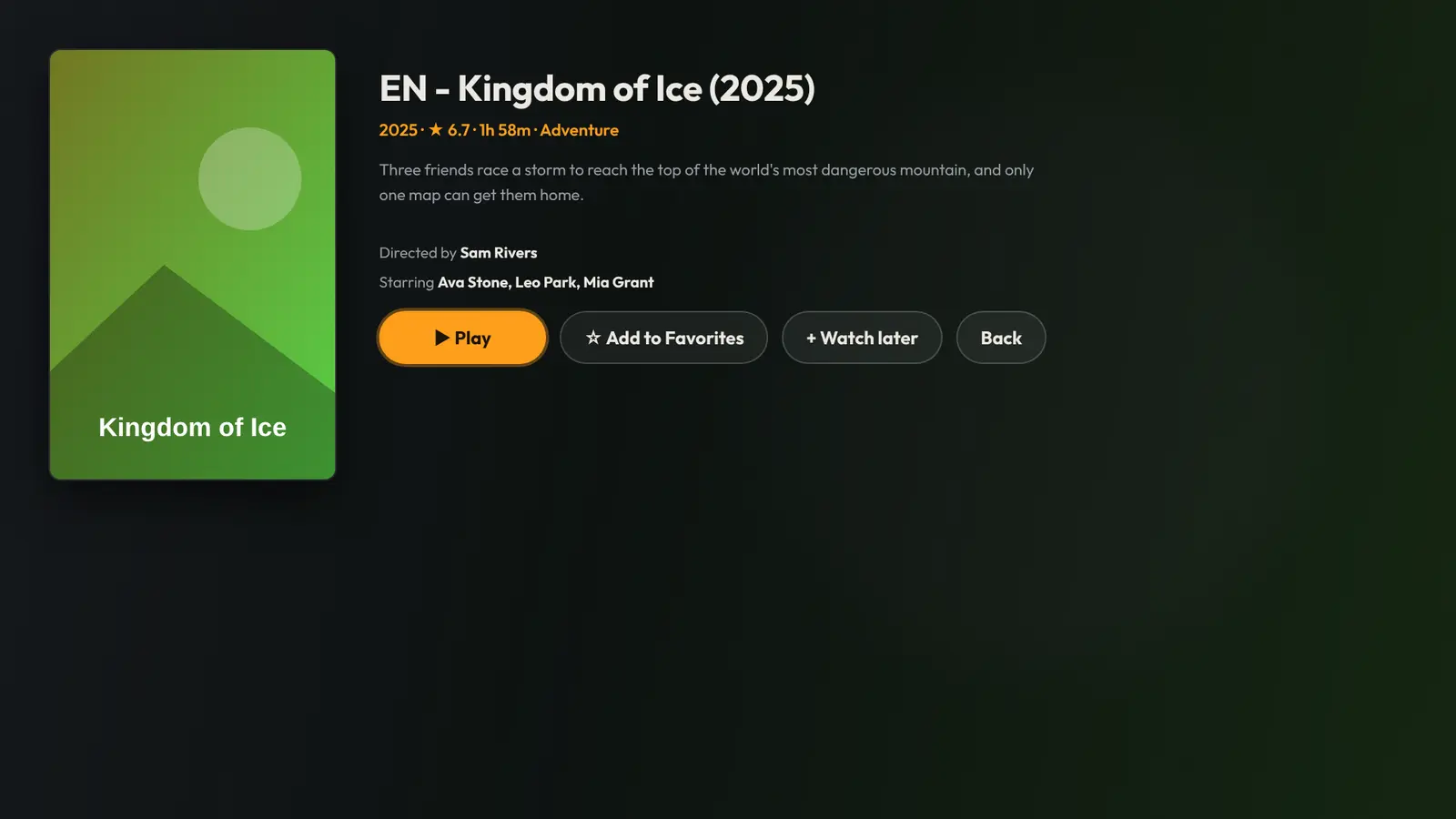
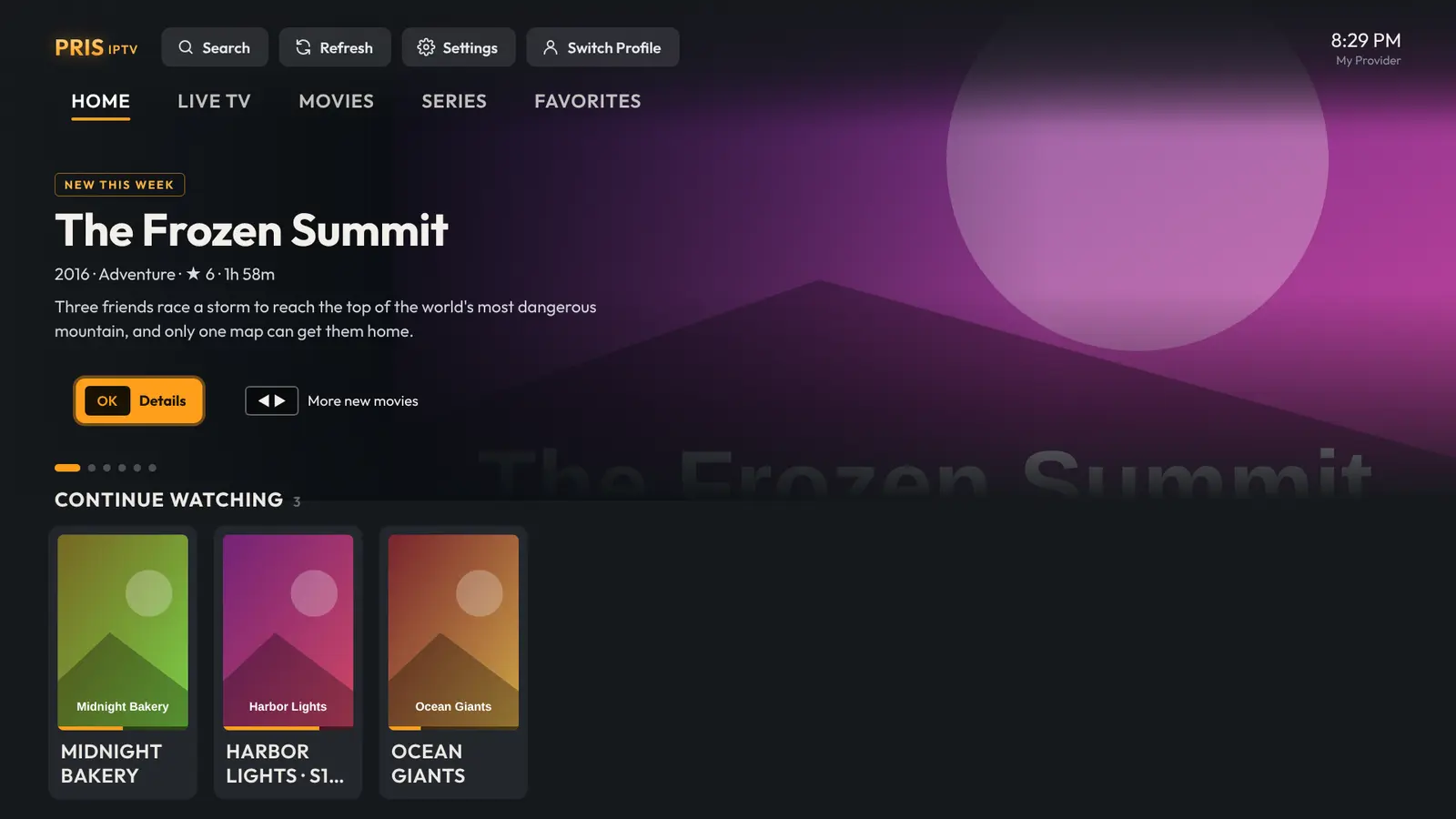
Every film gets its poster, rating, running time and story. Resume with one press, or start over from the beginning.
- Sort by rating, date added or release year
- Continue Watching across movies and series
- Opens straight away, even with very large lists
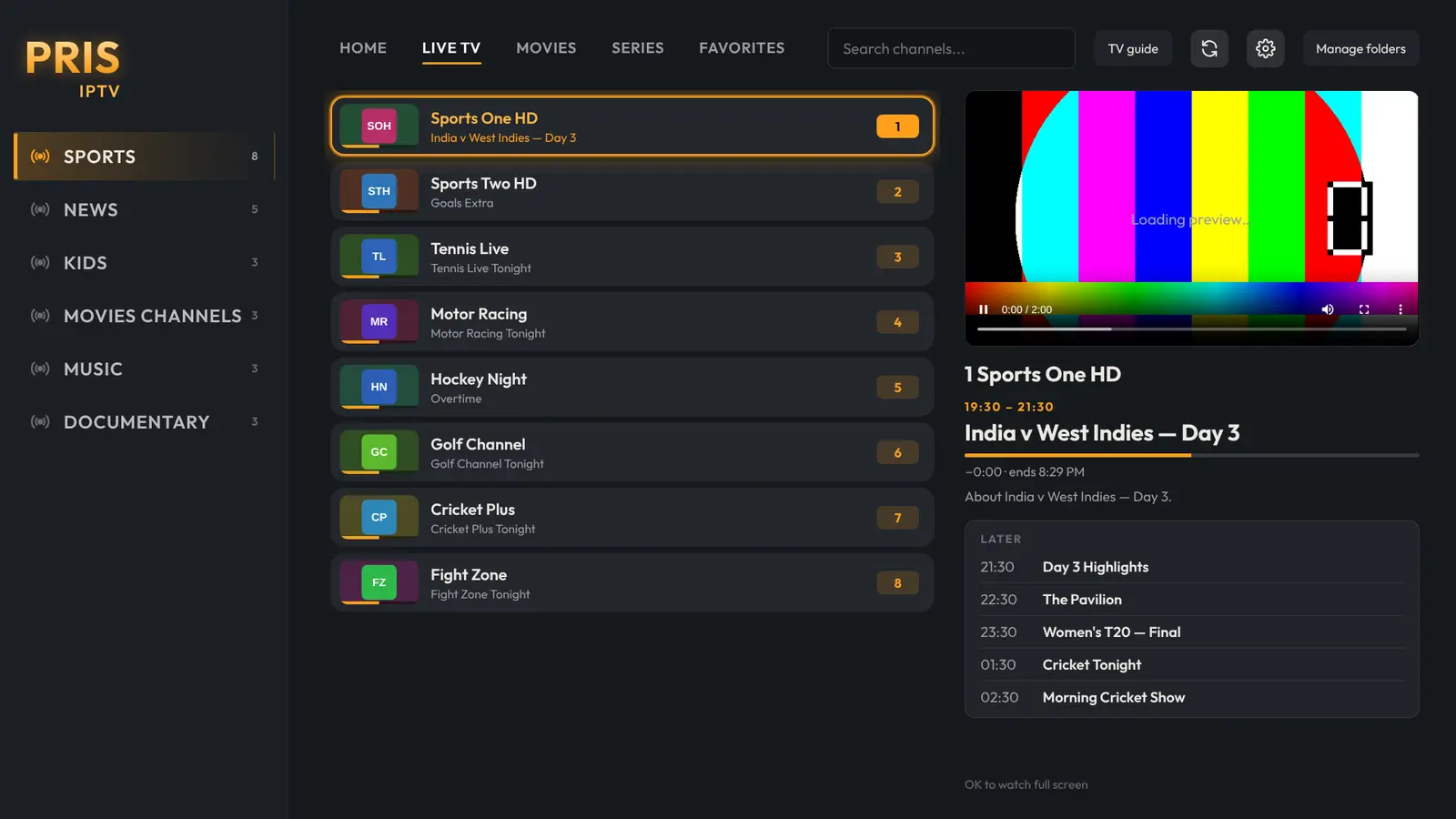
Channels that feel like real TV
Channel logos, folders you can reorder or hide, a programme guide, and number keys to jump straight to a channel.
- Now and next shown while you browse
- Reconnects by itself if a stream drops
- Catch-up where your provider offers it
Watching in three steps
Pris IPTV is a player: you bring the playlist from your own provider.
Install
On your Android TV, Google TV or Fire TV, open the free Downloader app, enter prisiptv.ezypick.org/apk and install Pris IPTV.
Add your playlist
Choose Add from your phone, scan the code and enter your Xtream Codes login or M3U link. Or try the built-in demo first.
Watch
Everything works free for 7 days from when you add your playlist. Like it? Buy a licence for your TV and keep watching.
See it on the big screen
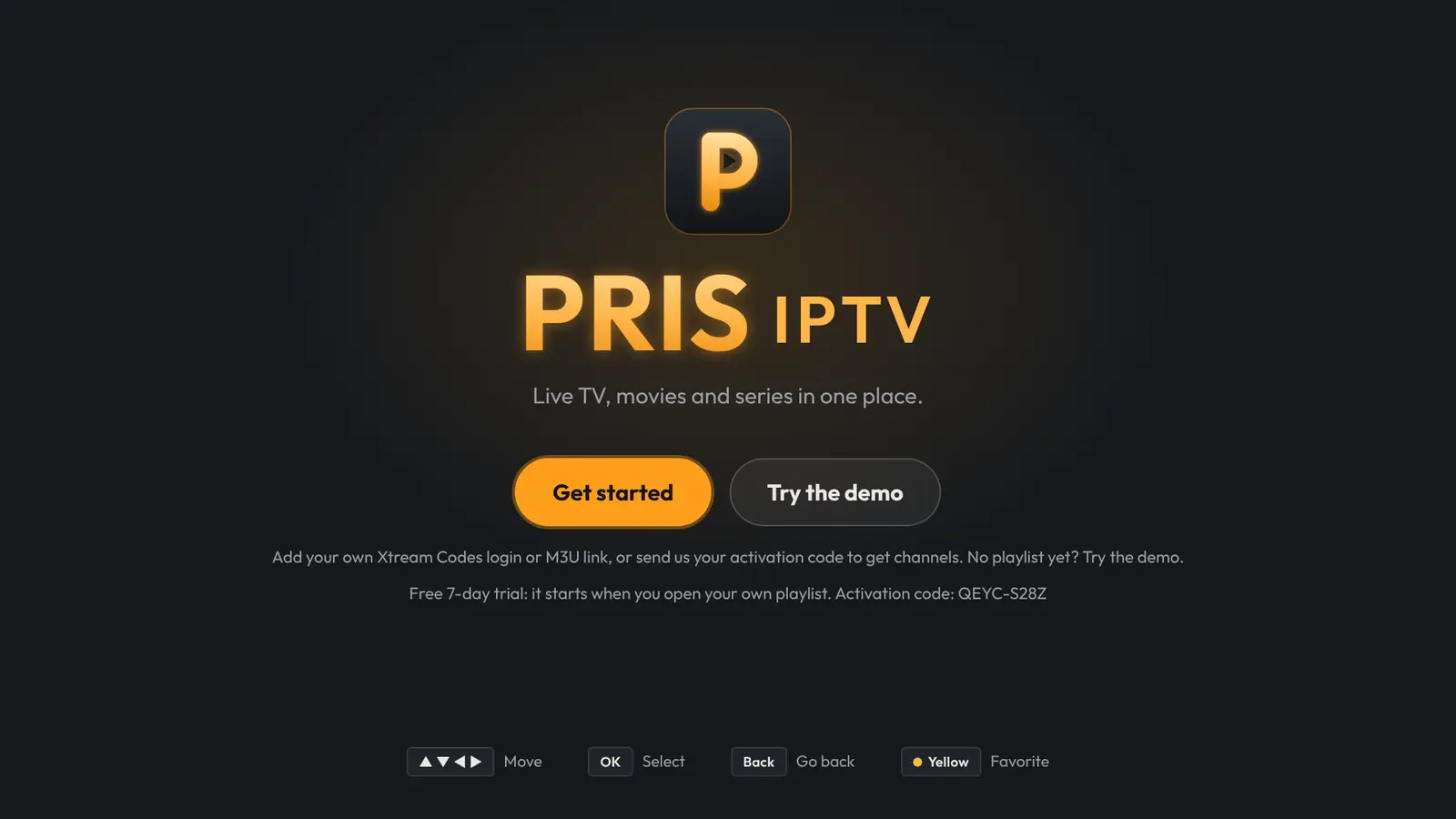
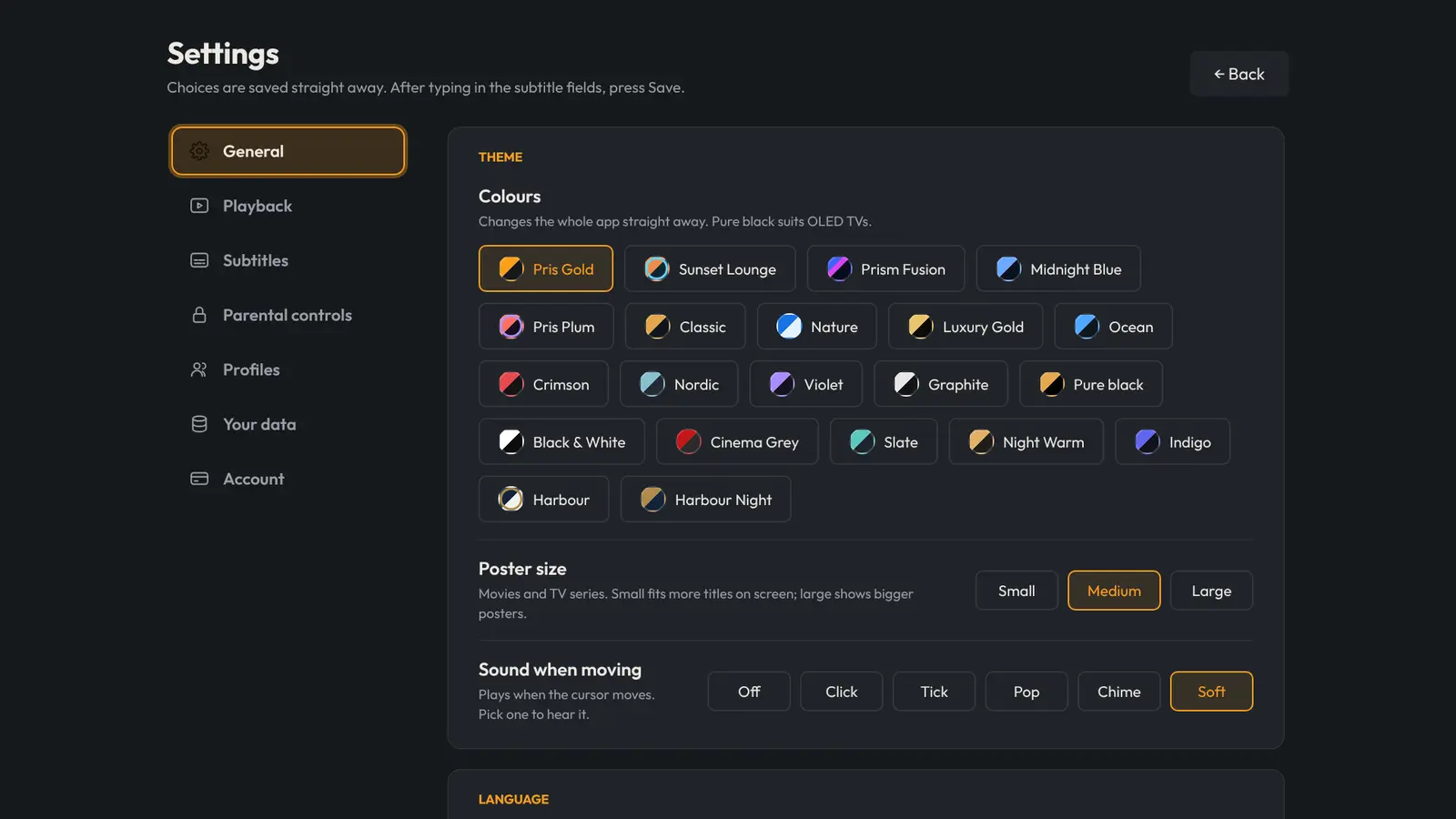
Real screens from Pris IPTV. The titles and artwork are examples.
Try it free. Keep it if you love it.
One licence per TV. No account, no ads.
Free trial
Starts when you add your own playlist.
- Every feature included
- Built-in demo to look around first
- No payment details needed
Pris IPTV licence
Or US$5.99 a year. In Canada: C$17.99 lifetime or C$7.99 a year. Pay with PayPal or a card.
- Everything in the trial, without the time limit
- Activated on your TV in seconds
- Support by email
Questions and answers
Does Pris IPTV include channels?
No. Pris IPTV is a media player only. It doesn't include, sell or recommend any channels, films or playlists. You add your own Xtream Codes login or M3U playlist from a provider you're entitled to use.
Which TVs does it work on?
Android TV, Google TV and Fire TV devices with Android 7 or newer: most Sony, TCL, Hisense and Philips smart TVs, Nvidia Shield, Chromecast with Google TV and Fire TV Sticks. Install it with the free Downloader app from prisiptv.ezypick.org/apk.
How do I add my playlist?
On the TV choose Add from your phone and scan the code, then enter your details on your phone. You can also type them with the remote, or paste an M3U link.
Is my login safe?
Your playlist details are stored on your TV only. When you add them from your phone they pass through our server once to reach your TV, and are deleted the moment your TV has them. We never see what you watch.
How does the free trial work?
You get 7 days with every feature, starting when you first open your own playlist. Looking at the demo doesn't use it up. After that the app asks you to buy a licence; the demo keeps working.
How do I buy and activate?
Your TV shows an activation code on the Upgrade screen (Settings, then Subscription). Buy a licence for that code and press Check now on the TV: it unlocks straight away.
Can I move my licence to a new TV?
A licence belongs to one TV. If you replace your TV, email us with your old and new activation codes and we'll help.
A channel or film doesn't play. What can I do?
Streams come from your provider, so first check the same playlist in another player. If it works elsewhere but not in Pris IPTV, email us the channel name and your activation code.
Ready when you are.
Install Pris IPTV on your Android TV or Fire TV and try it free for 7 days.